My AI Voice Agents 0 Agents
Manage voice agents, knowledge, and conversation previews from one place.
Loading your voice agents...
No Voice Agents Yet
Create your first voice agent with a clear role, speaking style, and knowledge sources.
Create Your First AgentDeploy this agent
can run as a floating website widget or fullscreen kiosk experience.
Floating widget
For customer-facing websites.
Copy this snippet into a website to show the assistant as a floating chat widget.
Kiosk mode
For lobby, booth, or front-desk displays.
WhatsApp Bot (Fonnte)
Auto-respond to WhatsApp chats.
Token saved successfully!
Cara Pemasangan Fonnte
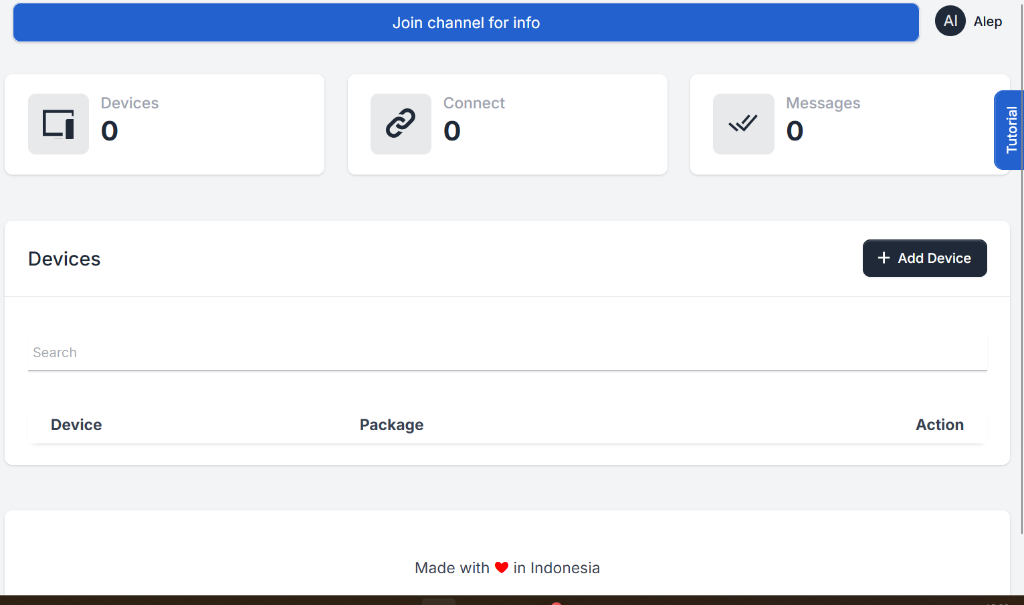
Buka menu Devices di dashboard Fonnte, lalu klik tombol + Add Device di pojok kanan atas.
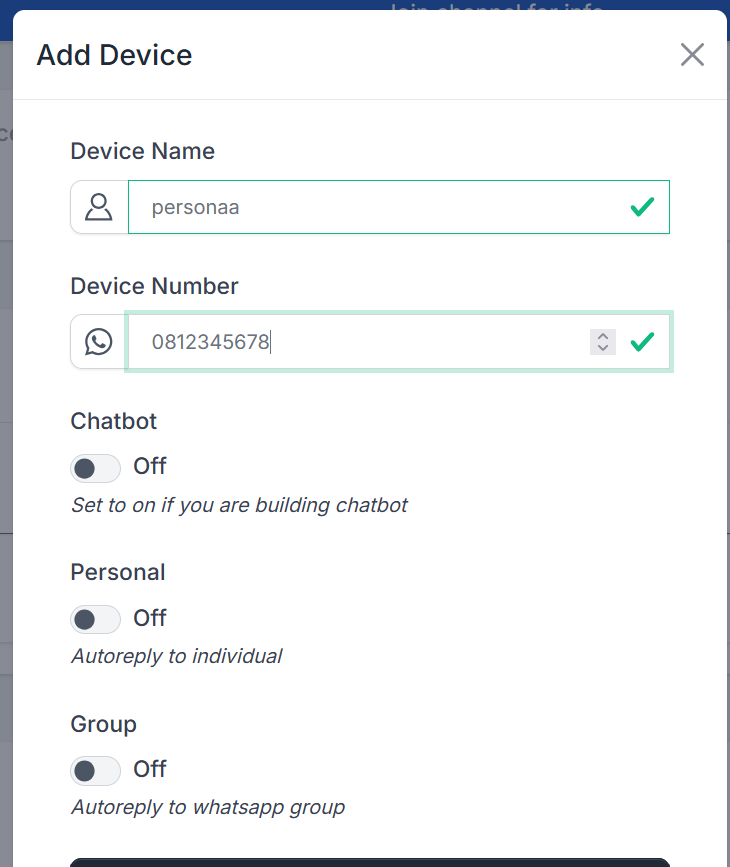
Isi Device Name dan Device Number (Nomor WhatsApp Anda). Sisanya biarkan default, lalu simpan.
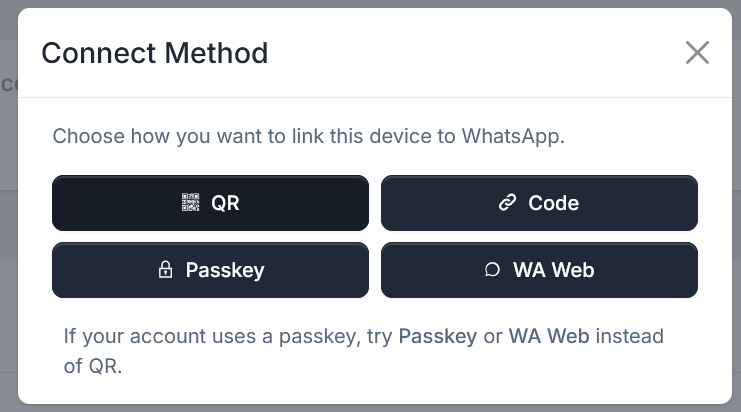
Klik tombol hijau Connect pada device Anda, lalu pilih metode koneksi (misalnya WA Web atau QR) untuk me-link akun WhatsApp Anda.
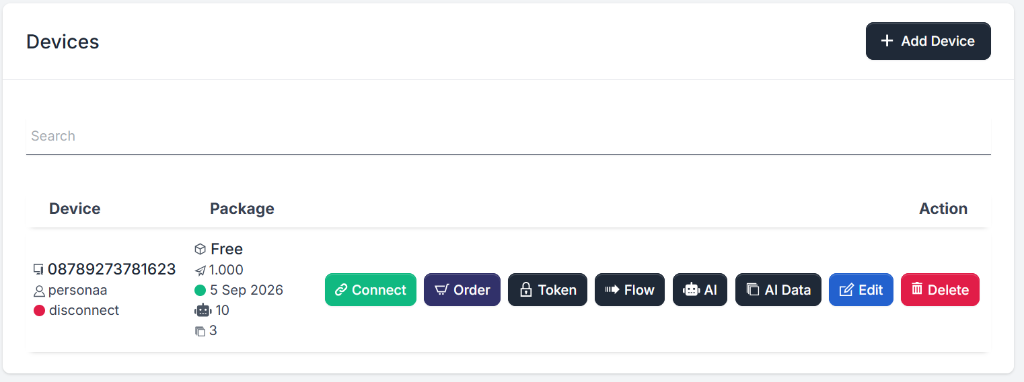
Klik tombol hitam Token. Salin token tersebut dan paste ke kolom 1. Fonnte API Token di atas, lalu klik Save. Kemudian salin Webhook URL dari sini, dan paste ke kolom Webhook ? di Fonnte.
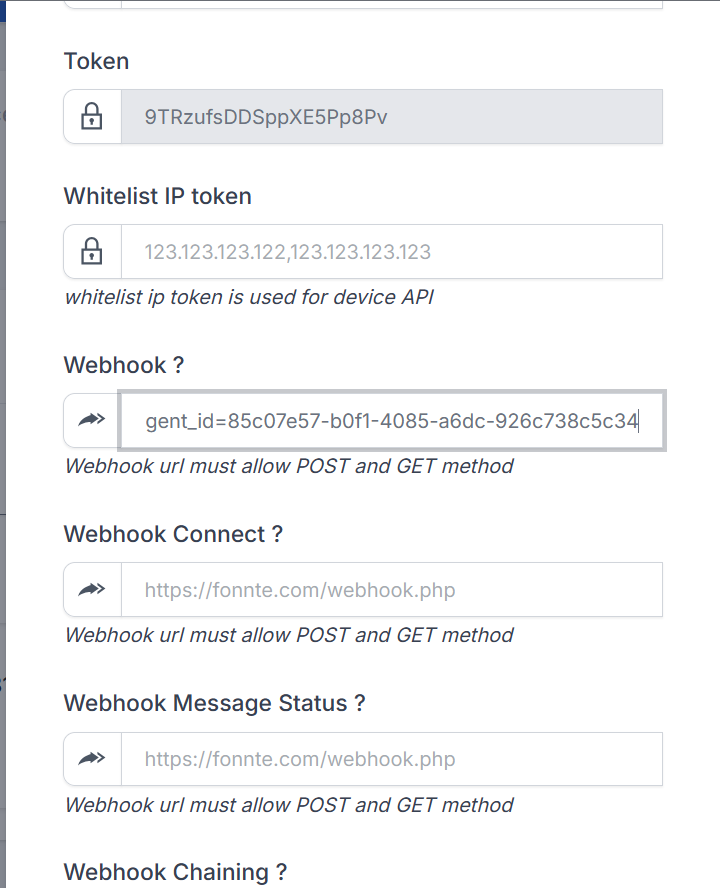
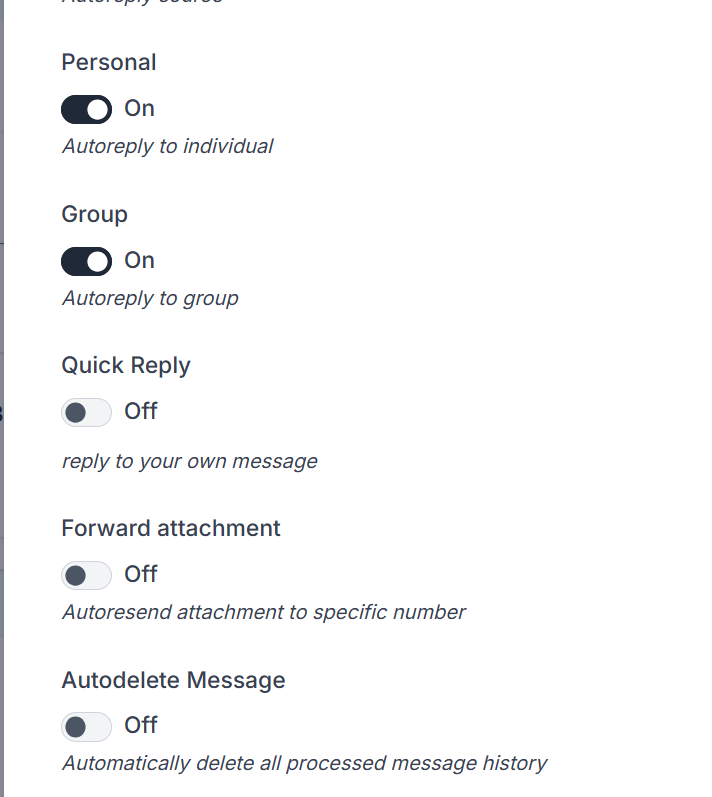
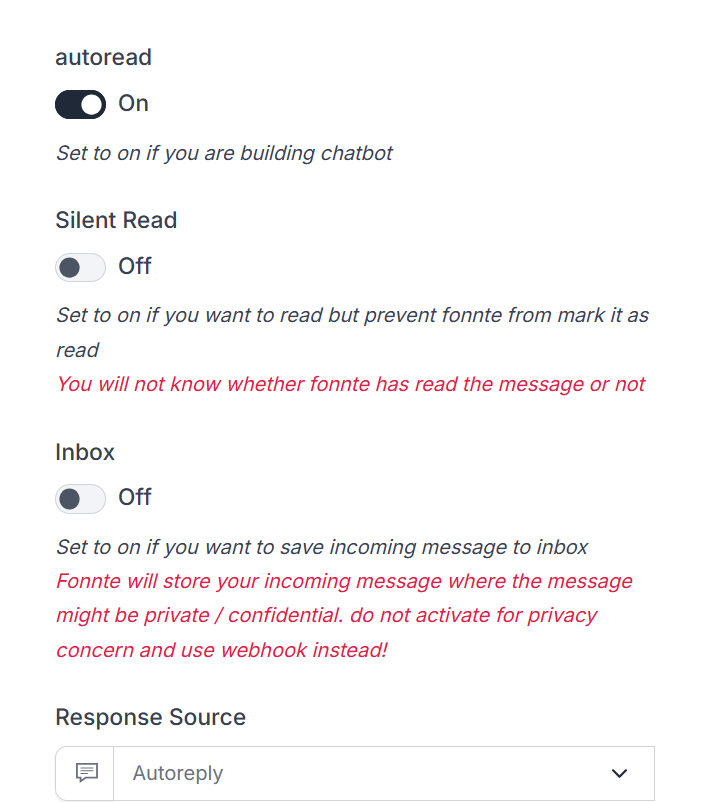
Masih di halaman pengaturan Token Fonnte, scroll ke bawah. Pastikan fitur Autoread menyala (On) agar pesan otomatis terbaca, dan fitur Personal (Autoreply to individual) juga menyala (On). Selesai!